

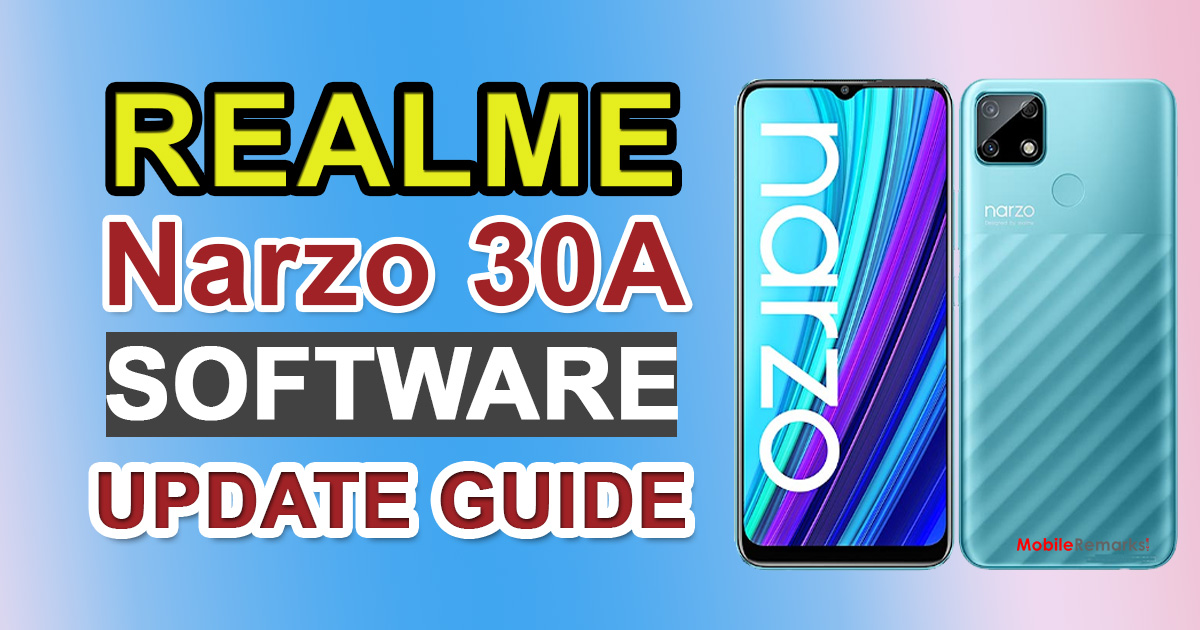
Realme Narzo 30A Software Update | RMX3171_11_A.19 2021. If you purchased Narzo 30A in India and would want to update to the newest software version that you may have missed or not yet received, you’ve come to the correct spot. The Narzo 30A Software Update Tracker is available below, along with firmware download links.
Realme Narzo 30A Software Update | RMX3171_11_A.19 2021

Because of server or carrier-related difficulties, users may not receive any particular software OTA update. The smartphone OEMs’ gradual roll-out procedure is the only reason for this. If you believe your device isn’t receiving the latest software OTA updates automatically, you may manually check for them by following our instructions. The complete list of software updates may be seen below. Now, before heading to the update tracker, go over the device specs.
Realme Narzo 30A Software Update Tracker
| Software Version | Changelog |
| RMX3171_11_A.19
RMX3171_11.A.19
|
· Security · Updated Android security patch: June 2021 · System · Fix some known issues · Optimized system stability |
| RMX3171_11.A.15
RMX3171_11_A.15
|
· Security
· Updated Android security patch: March & April 2021 · System · Fix some known issues · Optimized system stability |
| RMX3171_11.A.13
RMX3171_11_A.13
|
· Security
· Updated Android security patch: February 2021System · Fix some known issues · Optimized system stability |
How to Check Software Update on Realme Narzo 30A
If your device hasn’t received an OTA update notice in a while, you may manually check for the software update before going through the manual firmware upgrading process. To do so, you’ll need to:
Go to Settings > System updates on your smartphone. It will look for the latest software update and notify you if one is available for your device. Simply download and install the firmware version you require.
It’s also a good idea to keep your phone charged up to 50% -60% of the time and connect your smartphone to Wi-Fi for a faster and more consistent download.

