

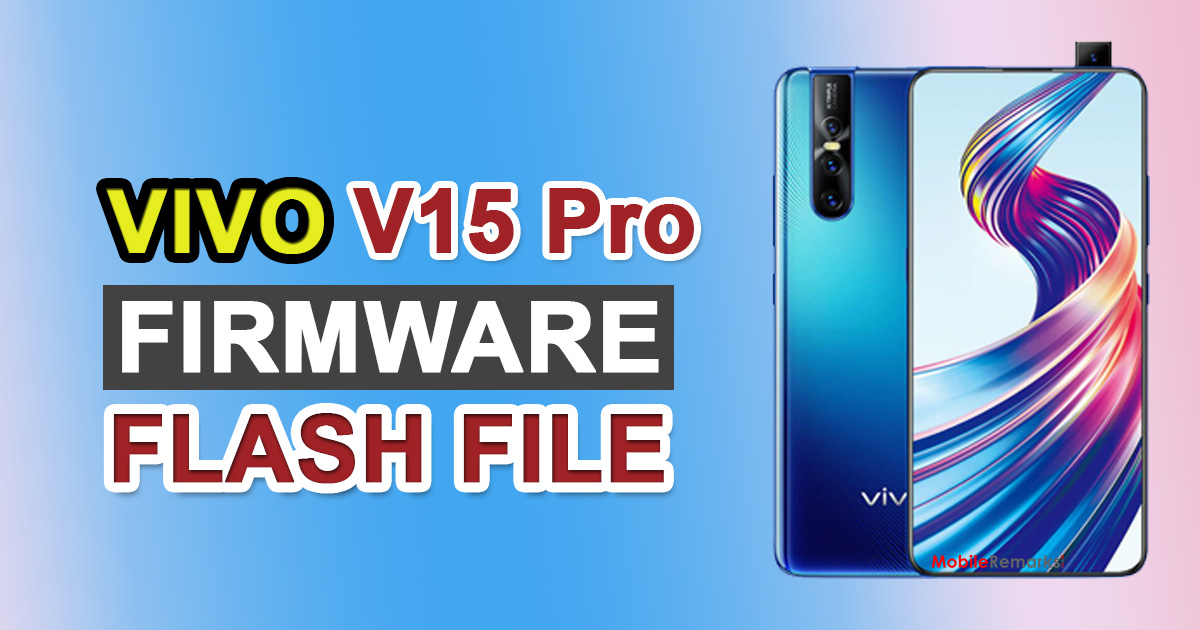
Vivo V15 Pro PD1832F Firmware Flash File (Software Update). On July 2, 2021, the following information was updated: Vivo began pushing out the newest security patch for the Vivo V15 Pro today, with the build number PD1832F EX A 8.71.9. We’ve included the firmware download link as well as installation instructions.
Okay, it appears that you have a Vivo V15 Pro (Model: PD1832F). That’s fantastic! Vivo is known for producing high-quality Android devices, and the Vivo V15 Pro is no exception. Though there is no disputing that Android is the finest and most popular mobile operating system, it is not without flaws. Things don’t always go as planned with Android devices, and it appears that something is wrong with your Vivo V15 Pro as well. So, in this article, we’ll show you how to install stock ROM on your Vivo V15 Pro (PD1832F).
While following some online recommendations, you may have bricked your Vivo V15 Pro. Or perhaps you have no idea what is wrong with your Android device. Whatever the situation may be. Flashing the stock ROM on your Android device is one of the simplest and most suggested fixes to difficulties with Android devices. So, in today’s post, we’ll talk about How to Install Stock Firmware on Vivo V15 Pro [Firmware Flash File/Unbrick]. Now, if that sounds intriguing, let’s get started. Should we do it?
Table of Contents
Vivo V15 Pro PD1832F Firmware Flash File | Software Update PD1832F_EX_A_8.71.9
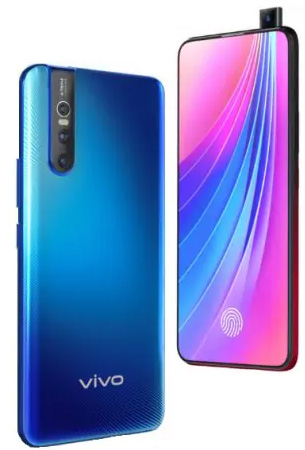
How to Install Stock ROM on Vivo V15 Pro
In this Mobile Remarks article, we’ll show you how to install stock ROM on your Vivo V15 Pro in a few simple steps. This tutorial is simple to follow and presented in a style that is understandable to beginners. You must follow the instructions in the correct order. First, you must download the firmware file as well as the program known as QFIL Tool, formally known as Qualcomm Flash Image Loader, to your PC or laptop.
After that, head over to the requirements section to double-check that you have everything you need to install stock ROM on your Vivo V15 Pro. Once you’ve completed all of the criteria, you may install the stock ROM on your Vivo V15 Pro by carefully following each step. Now let’s look at the benefits of flashing stock ROM on your Vivo V15 Pro. Should we do it?
The Advantage Of Stock ROM:
- Flash Stock To Unbrick your Vivo V15 Pro
- Flash Stock ROM to Fix the boot loop problem
- Upgrade and Downgrade Vivo V15 Pro
- Unroot or Fix Bugs on your phone
- To fix the lag or stutter on Vivo V15 Pro
- By flashing Stock ROM, you can solve software problems.
- Revert back to stock to gain your warranty.
Firmware Details:
- Gapps File: Included
- Device Supported: Vivo V15 Pro PD1832F
- Android OS: 9.0 Pie
- Tool Supported: QFIL
- Language Supported: Multi-Language
- New Update: PD1832F_EX_A_6.70.10
Steps to Install Stock Firmware on Vivo V15 Pro:
Follow the pre-requisites and install the required drivers and tools on your PC before installation.
Pre-Requirements:
- Charge your phone: It is suggested that you charge your Vivo V15 Pro to at least 50% before proceeding with the instructions below.
- You will need a laptop or a PC to complete this installation.
- Take a Device Backup: The first thing you should do is make a backup of your device. You may not be able to take a backup of your phone data, but if you have a memory card attached to your device, remove it at the very least to save it.
- Image loader for Qualcomm Flash: QFIL Tool may be downloaded here.
Install the most recent driver: Download and install the most recent Vivo USB drivers. All USB Drivers for Android. - Download the above-mentioned files to your computer.
Download Firmware
| Version | Download Links |
| PD1832F_EX_A_8.71.9 | DOWNLOAD |
| PD1832F_EX_A_6.70.10 | DOWNLOAD |
| PD1832F_EX_A_1.26.10 | DOWNLOAD |
| PD1832F_EX_A_1.26.9 | DOWNLOAD |
| PD1832F_EX_A_1.26.8 | DOWNLOAD |
| PD1832F_EX_A_1.25.11 | DOWNLOAD |
| PD1832F_EX_A_1.23.10 | DOWNLOAD |
| PD1832F_EX_A_1.22.10 | DOWNLOAD |
| PD1832F_EX_A_1.21.9 | DOWNLOAD |
| PD1832F_EX_A_1.8.5 | DOWNLOAD |
| PD1832F_EX_A_1.8.4_vivo_qcom_LA.UM.7.9.r1-01900-sm6150_split.tar.gz | DOWNLOAD |
Instructions to Install on Vivo V15 Pro via Recovery:
- Download the ROM update file and move it to your phone’s internal storage
- Now boot your phone into recovery and follow our guide
- Tap on Update and load the downloaded file
- Now your phone will start upgrading to the new update.
- Enjoy!
Instructions to Install via QFIL Tool:
On your computer, install the Qualcomm Flash image loader utility and USB drivers. To use the QFIL tool to install the firmware, click the link below.
Guide to Install Stock ROM using QFIL Tool
I hope you were able to successfully install the stock ROM on your Vivo V15 Pro. Now, please rate this page and leave a comment. We are always open to suggestions and improvements.

. On July 2, 2021, the following information was updated: Vivo began pushing out)