

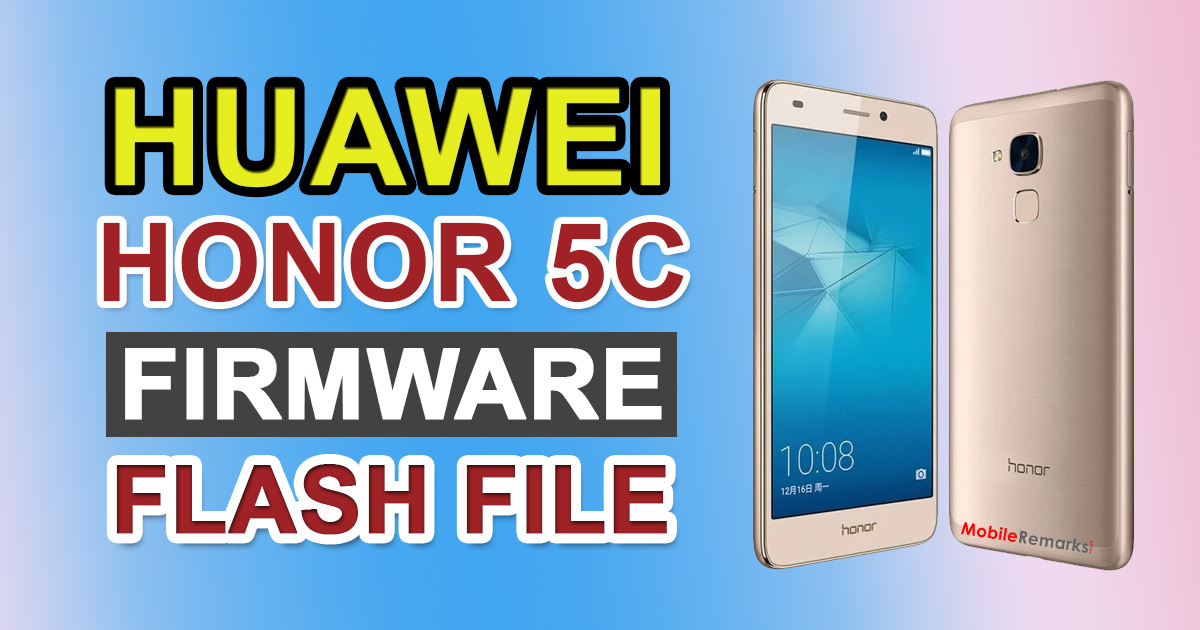
Huawei Honor 5C Firmware Flash File (Stock ROM). Do you wish to manually flash the stock firmware on your Honor 5C? If so, you’ve come to the correct place. We’ve compiled a list of all the Huawei NEM-L22 and NEM-L51 Stock ROM flash file collections, as well as instructions for installing them.
Table of Contents
Huawei Honor 5C Firmware Flash File (Stock ROM)
What is the significance of this guide? If your Honor 5C Core hasn’t received any new security patch updates, then this guide will come in handy. If your device is lagging, stuck in a boot loop, or even dead, you can use this procedure to flash the official firmware file and save it from hard bricking. You may also use the official flash file to fix software issues or revert to factory ROM settings on your Honor 5C.
About Huawei Honor 5C:
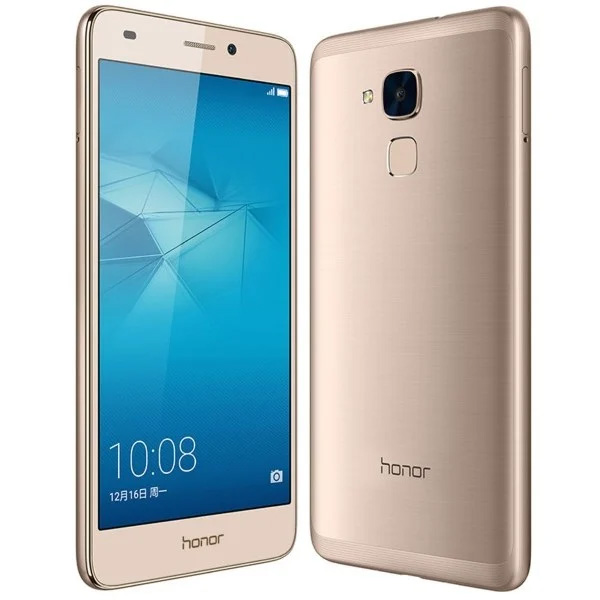
The Honor 5C was released in April 2016 and features a 5.2-inch display with a 1920×1080 pixel resolution. The phone is equipped with a 1.7GHz octa-core Kirin 650 processor and 2 GB of RAM. The phone has a 16GB internal memory that can be upgraded with a microSD card up to 256GB. The Honor 5C has a 13-megapixel rear camera and an 8-megapixel front-facing camera.
The Honor 5C comes pre-installed with Android 6.0 Marshmallow with a 3000mAh non-removable battery. Dual-sim with 4G on both slots is supported by the device. Bluetooth, Wifi, USB OTG, FM, 3G, and 4G are among the connectivity choices.
The Advantage Of Stock Firmware
- Unbrick your Huawei Honor 5C by flashing the stock firmware.
- Get rid of the device’s boot loop.
- Your phone’s software version can be upgraded and downgraded.
- To unroot the device, flash the stock ROM.
- Fixing problems, latency, and stuttering on Huawei Honor 5C.
- Improve software performance, resolve battery draining issues, and resolve OTA update issues
- Recover your phone’s warranty (if applicable)
List of Huawei Honor 5C Stock Firmware collection
Android 7.0 Nougat Firmware
| Variant Name (Model) | Firmware Version | Region |
| NEM-L51 | NEM-L51C432B377 | Europe |
| NEM-L22 | NEM-L22C675B345 | India |
| NEM-L22 | NEM-L22C675B341 | India |
| NEM-L51 | NEM-L51C432B357 | Europe |
| NEM-L22 | NEM-L22C675B330 | India |
| NEM-L22 | NEM-L22C675B320 | India |
| NEM-L51 | NEM-L51C10B3555 | Russia |
| NEM-L51 | NEM-L51C432B35 | Europe |
| NEM-L51 | NEM-L22C636B351 (Asia) | Asia, Russia |
| NEM-L22 | NEM-L22C636B350 | Asia |
| NEM-L22 | NEM-L22C675B310 | India |
| NEM-L22 | NEM-L22C675B301 | India |

. Do you wish to manually flash the stock firmware on your Honor 5C? If so, you've come)